
Performance
| DGK2015 | DGK2030 | DGK2060 | DGK2120 | DGK2200 | |
| Minimum Diameter | 0.2mm 7.8mil |
0.2mm 7.8mil |
0.3mm 11.8mil |
5mm 0.197″ |
5mm 0.197″ |
| Maximum Diameter | 15mm 5/8″ |
30mm 1 3/16″ |
60mm 2 23/64″ |
120mm 4 23/32″ |
180mm 7 3/32″ |
| Accuracy | 1μm | 1μm | ± (3μm + 0.01% of object diameter) | ± (50μm + 0.05% of object diameter) | ± (50μm + 0.05% of object diameter) |
| Resolution | 0.01μm | 0.01μm | 0.01μm | 0.01μm | 0.01μm |
| Scan Speed | 20,000 Scans / Sec | 20,000 Scans / Sec | 20,000 Scans / Sec | 3,000 Scans / Sec | 3,000 Scans / Sec |
Measurement Technology
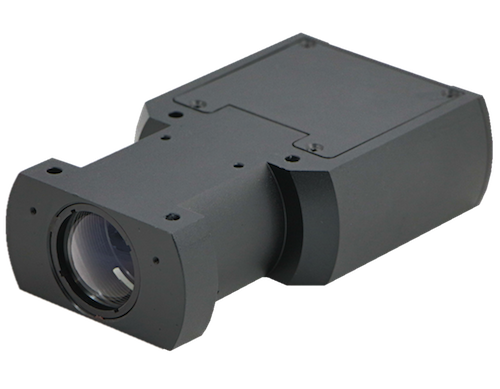
A novel LED light and optical lens design produces a broad light beam across the measured part surface. The CCD receiver module is scanned up to 10,000 times per second per axis, to measure diameter and position. With no moving parts, a reliable, accurate and repeatable measurement is achieved
Connectivity
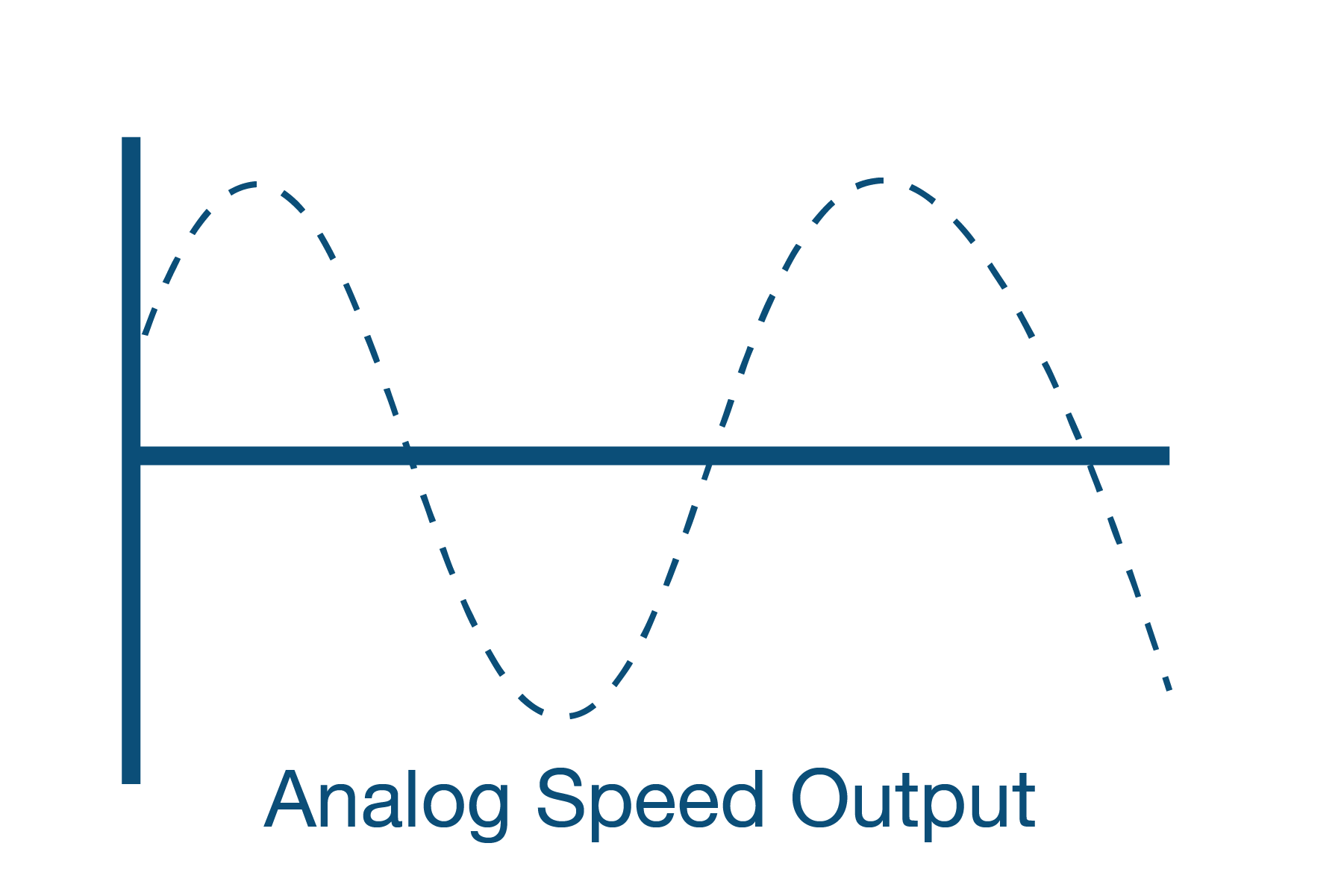
Analogue input 0 -10vdc
Required for Helix Mode, Tolerance Location and Optional SMFD and PI feedback diameter control
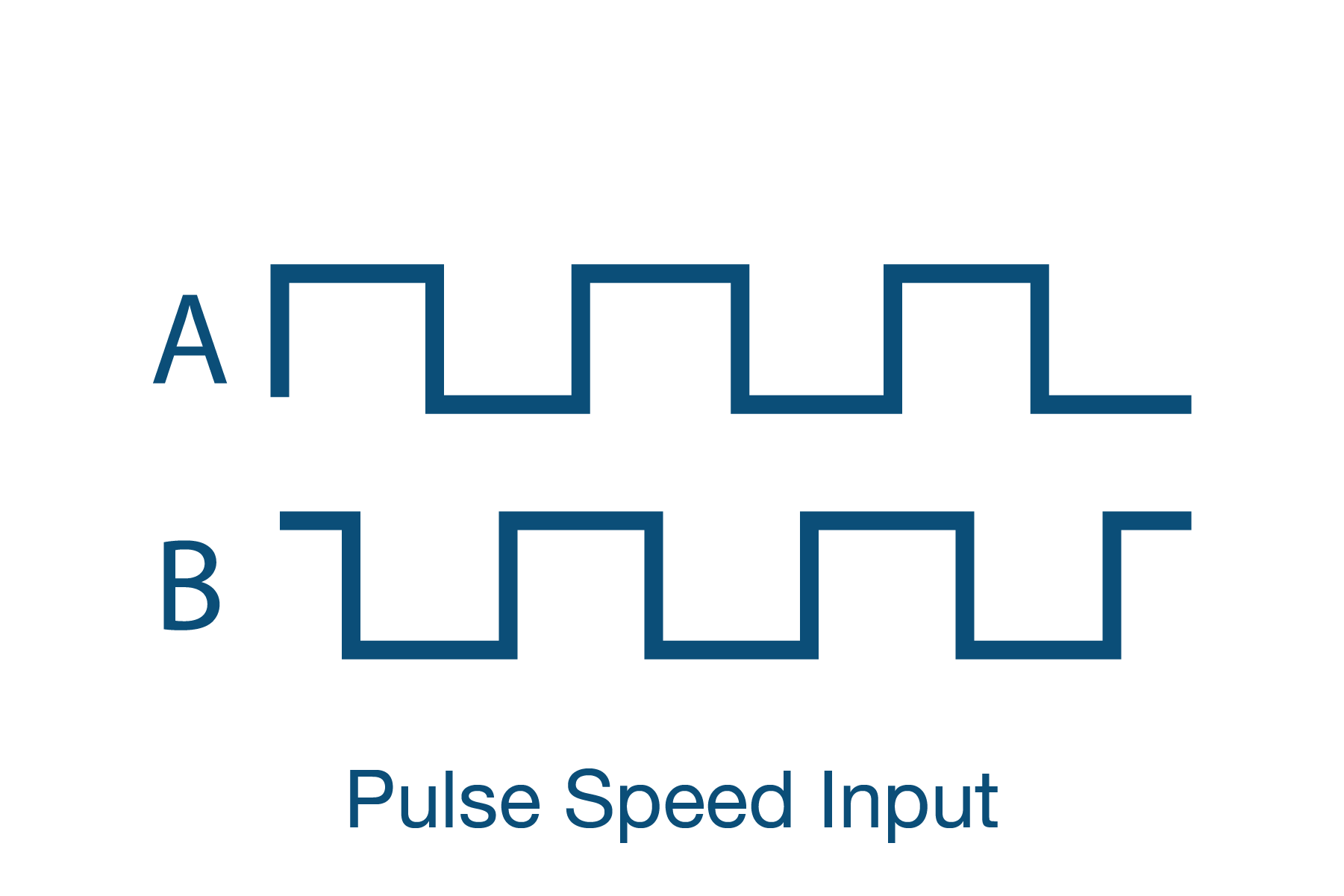
Pulse Input 250kHz max frequency, 30v or 50v max pulses on two distinct input
Required for Helix Mode, Tolerance Location and Optional SMFD and PI feedback diameter control
Maximum Voltage 24Vdc Current 1A
Gauge OK, Upper Tolerance, Lower Tolerances, Single Measurement Flaw Detection(SMFD)
RS232 MODBUS RTU, PROTON ASCII code or Label Printer
USB using RS232 – USB Converter Cable
RS485 MODBUS RTU, PROTON ASCII code (Not available with PROFIBUS)
Connects to Proton Products Cdi Display
Connect to a PLC using PROFIBUS, PROFINET, or EtherNet I/P, data update rate up to 500/sec.
Flexible Data Configuration, Big Endian, Little Endian
Ethernet selectable between OPC-UA and Modbus
Connect to a PC or Mobile Device using WiFi 2.4G and use the Proton Products Gauge App available for iOS and Android. Ideal for gauge configuration and diagnostics
Gauge Head Add on Hardware
3 analogue (±10V) outputs can be set to X, Y, Z axis output for 2 and 3 axis gauges. Average diameter, diameter error, ovality and ovality error.
Feedback Control monitors the actual measured diameter compared to a Preset Value and provides a Control Output Signal that can be used to trim the motor output and maintain the product diameter within the Preset Value.
Gauge Head Add on Software
The DGK10k scanning option upgrades the standard gauge to a Super High scan rate, Ideal when used with SMFD Single Measurement Flaw Detection. Each scan takes just 1ms to obtain and output a new diameter reading.
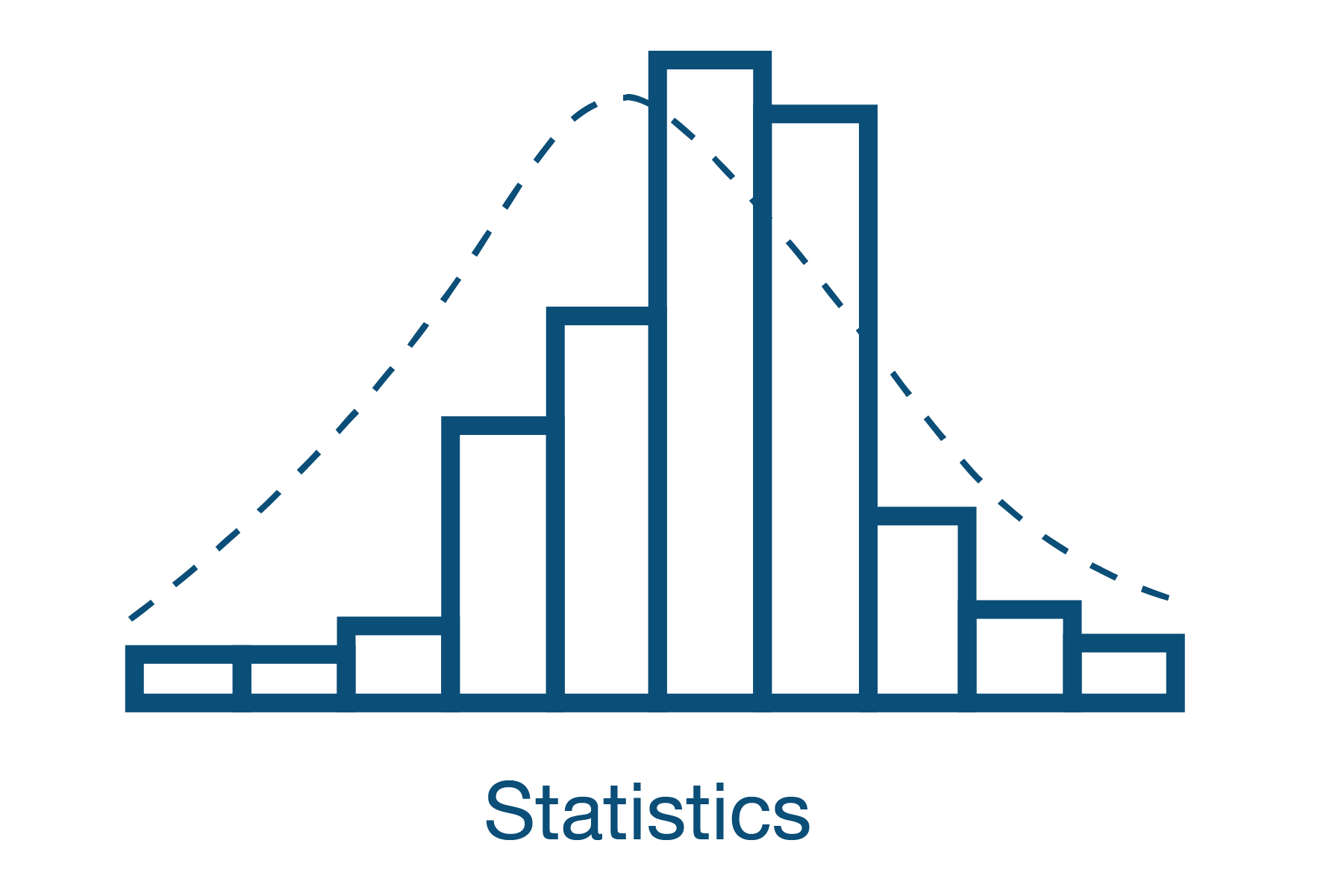
Maximum, Minimum, Mean, Standard Deviation, Cp, Cpk is collected during a selectable time or length period. The results are updated on the SiDi CDi4 Universal Display, PCIS Software and can be transmitted digitally.
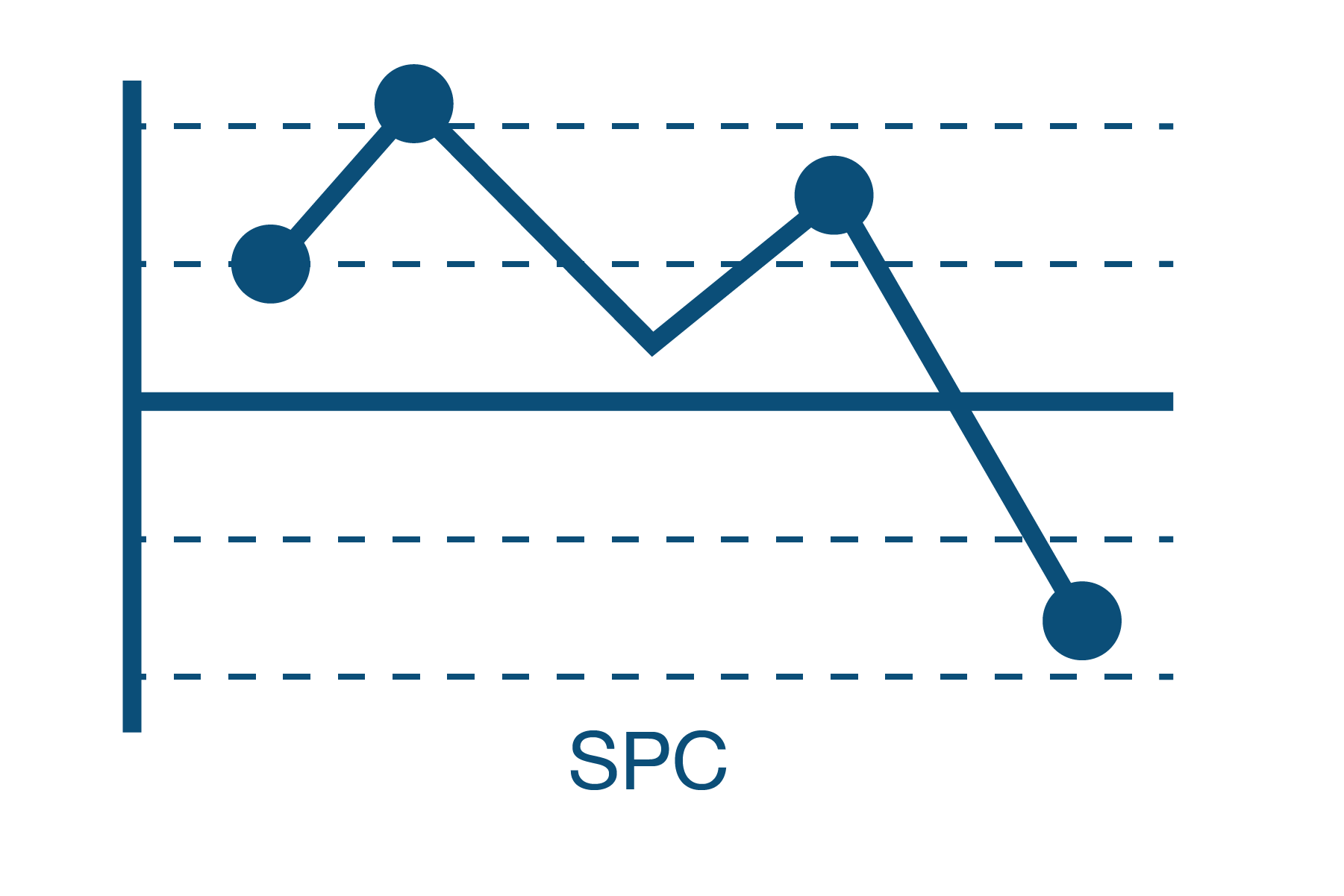
Statistical Process Control (SPC) enhances the Feedback Control option. Statistical Process Control, “measures” Process Capability and automatically adjusts the control set point to maximize material savings while maintaining control within upper and lower limits
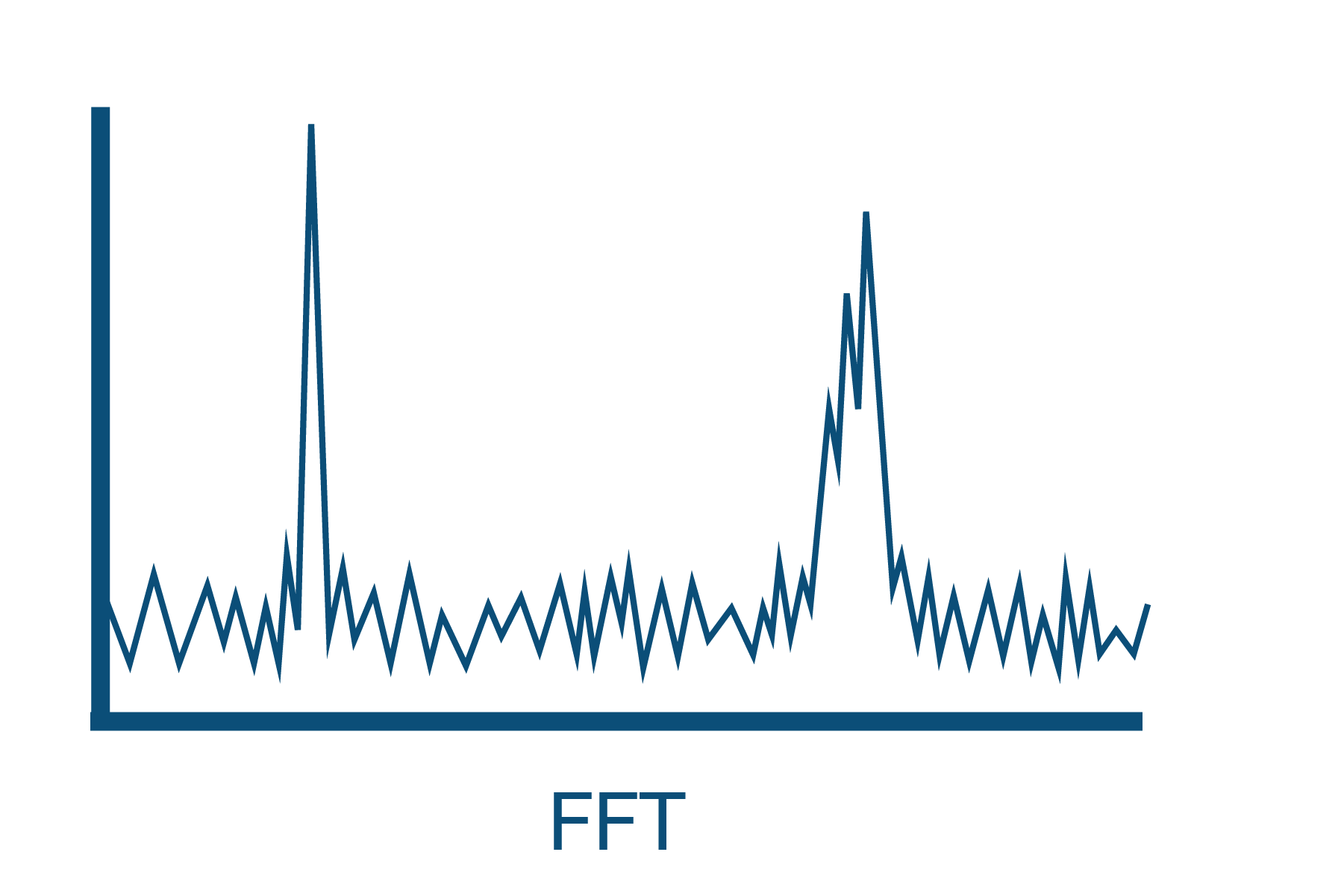
Fast Fourier Transform (FFT) analyzes the diameter data for periodicity. Providing Amplitude verses Frequency data and a graphical representation on the SiDi CDi4 Universal Display Unit or PCIS Software.
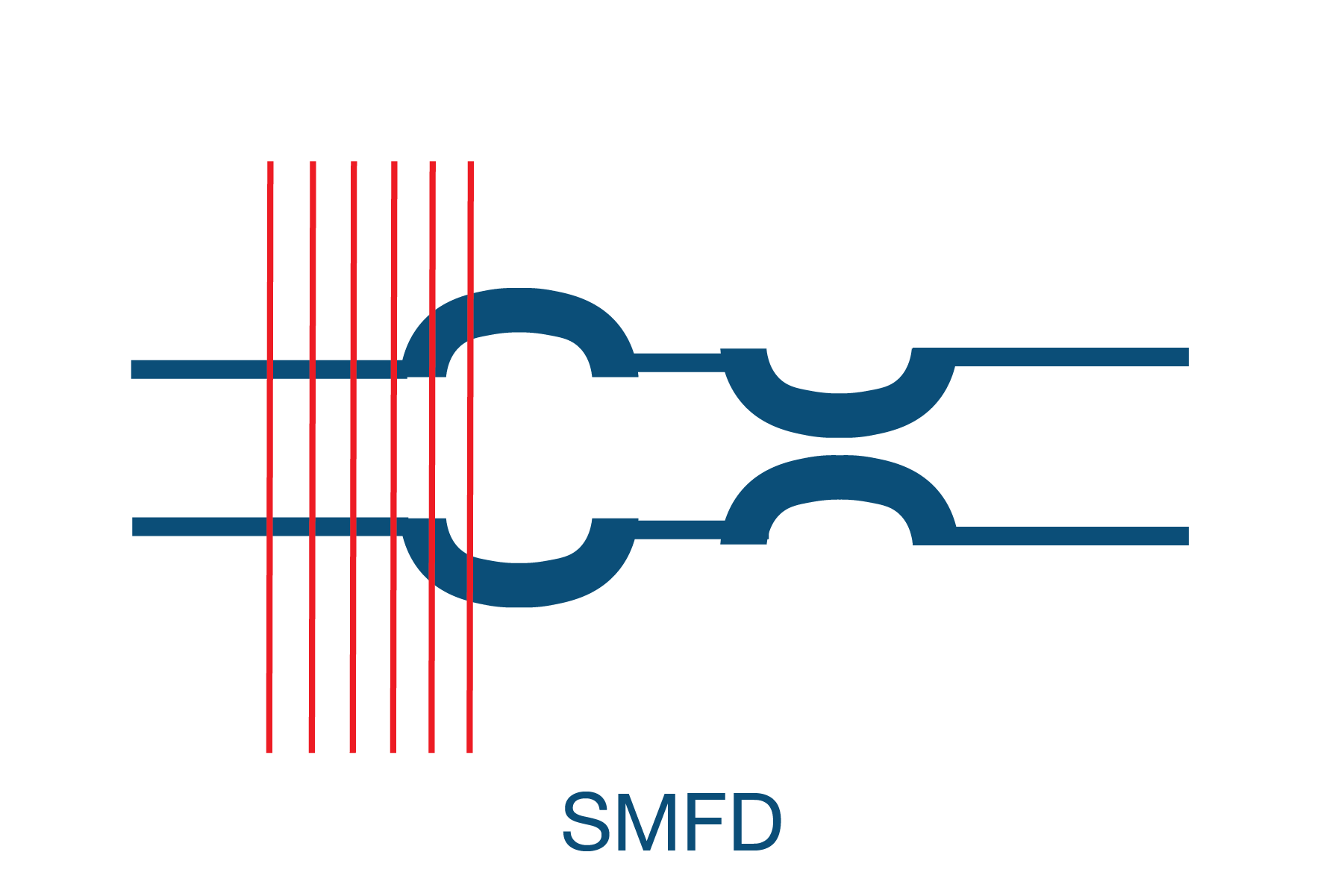
Single Measurement Flaw Detection (SMFD) analyzes each individual measurement and compares it with the running average. If a Single Measurement is greater than the running average and above or below a threshold value a Flaw is Detected.
Electrical and Operating Requirements
DGK3030 / DGK3060
| Power Supply 18-30 Vdc |
Power Consumption 30 Watts |
Operating Temerature 5c – 45c (41-113F) |
Environmental Protection IP 65 |
| Power Supply 100 – 240 Vac (50 – 60Hz) |
Power Consumption 100 Watts |
Operating Temerature 5c – 45c (41-113F) |
Environmental Protection IP 65 |
Size & Weight
| DGK2015
Height |
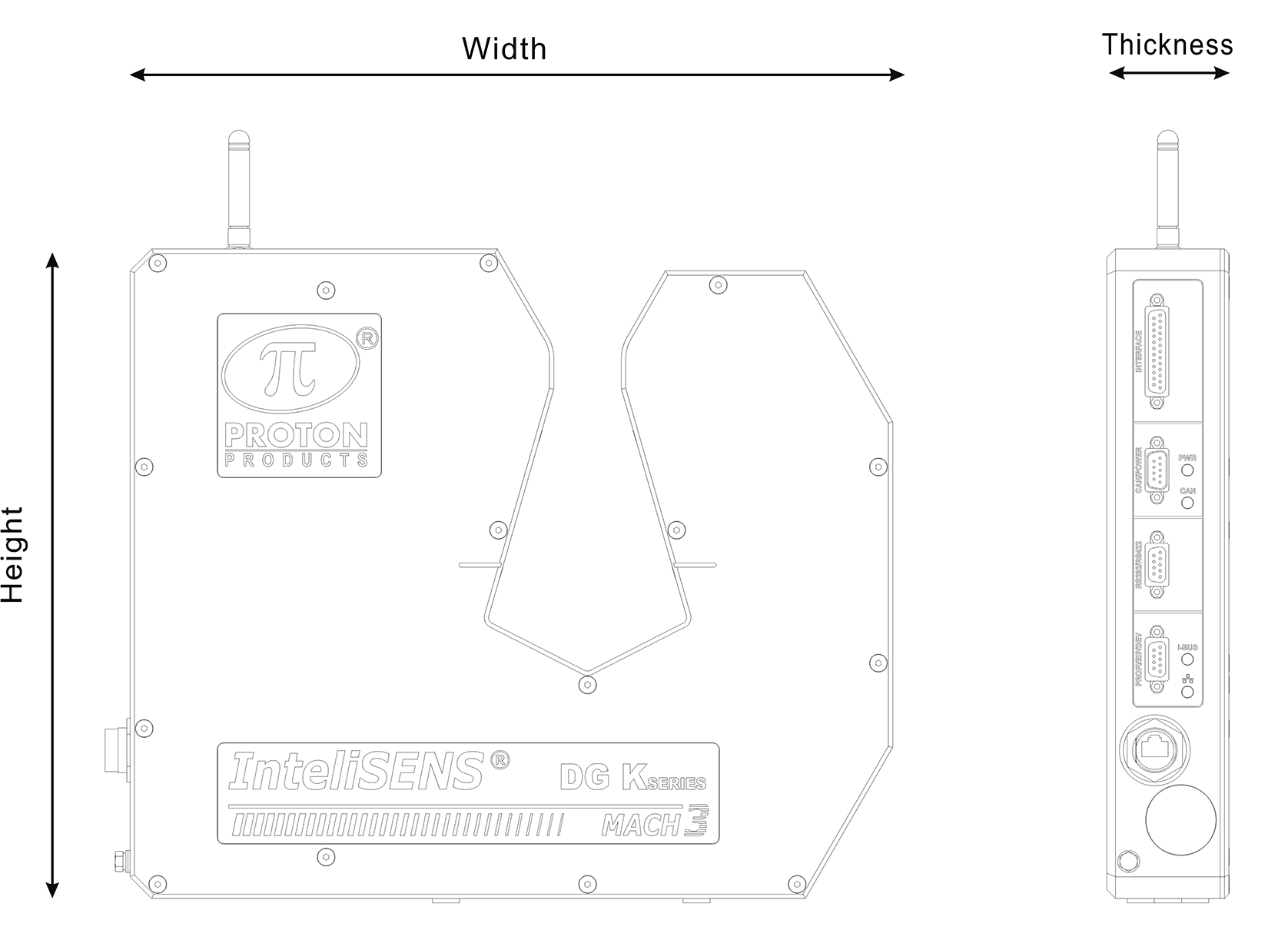 |
| DGK2030
Height |
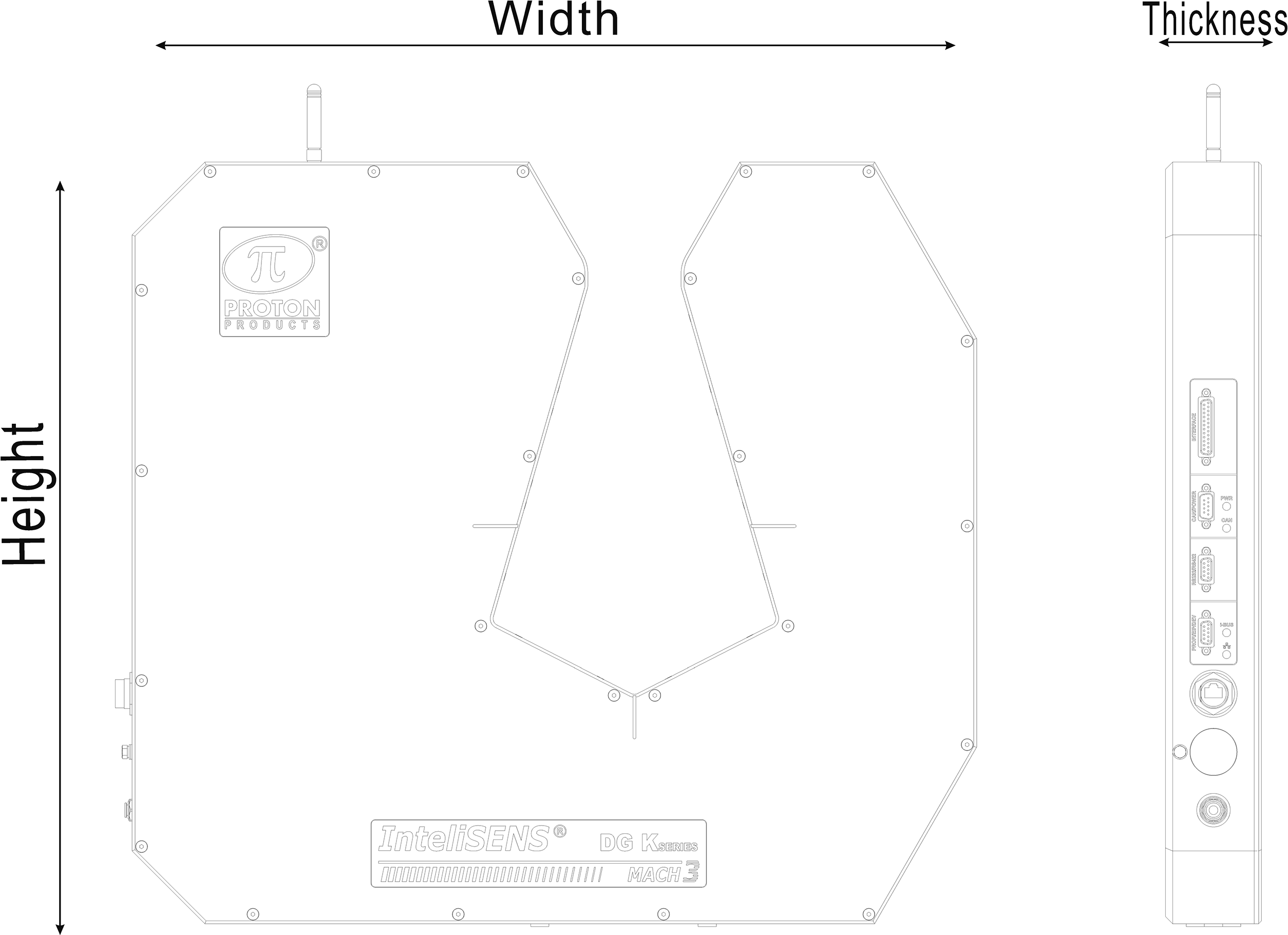 |
| DGK2060
Height |
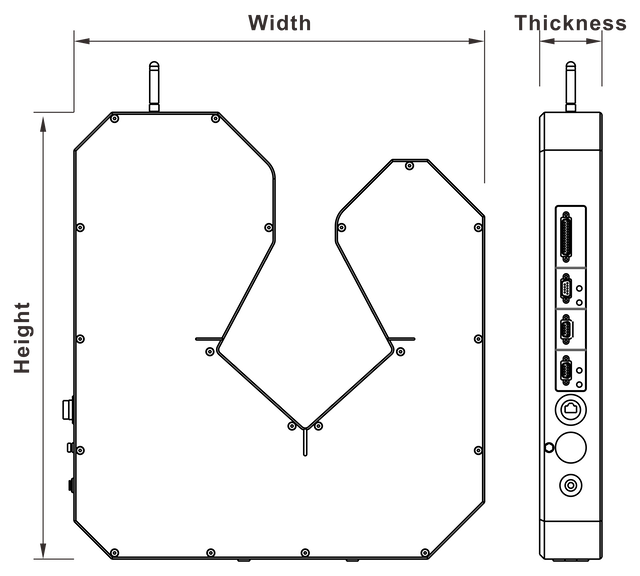 |
| DGK2120 / DGK2200
Height |
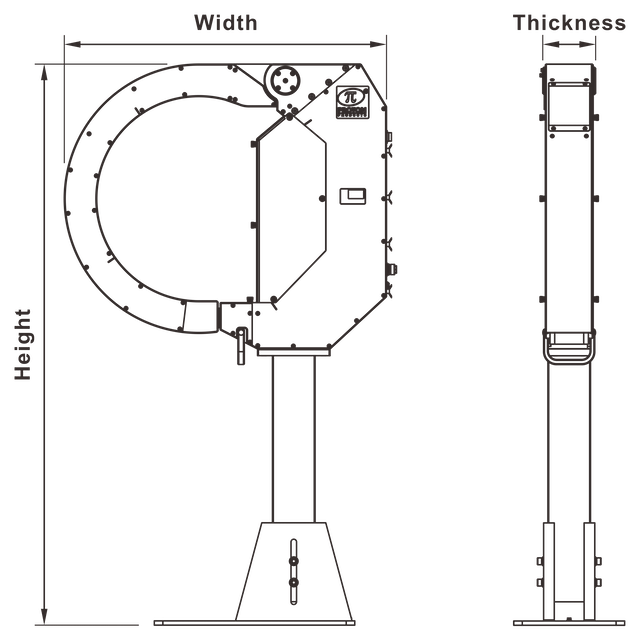 |